We heard you like surprises. So we pressed the big red button. As part of Steam Next Fest, you can dive into the playable demo of Way of the Hunter 2 starting today!
Play Way of the Hunter 2 demo now!
About Way of the Hunter 2:
Way of the Hunter 2 takes players into the vast wilderness of North America, delivering a next-level open-world hunting experience set in the breathtaking landscapes of Canada. Track and hunt a wide variety of wildlife, from large game such as moose, elk, bears, and bison to smaller animals and birds. Designed as the ultimate hunting simulator, Way of the Hunter 2 builds on player feedback and years of iteration to create the most authentic and immersive hunting experience to date. The game is coming soon to Steam Early Access. Stay tuned for more info!
Wishlist Way of the Hunter 2 on Steam now.
This demo represents the first gameplay showcase of the project and is available on PC via Steam for one week.
Thanks to players who participated in the Closed Beta, we were able to identify and address several major issues. Many fixes have already been implemented in this demo build, while some known issues are still being refined. The demo is now playable without restrictions.
Demo – What’s Included?
The demo features approximately 25% of the full map, with visible area borders on the hunting map.
Approaching the border triggers a warning.
Crossing the border teleports you back to the lodge.
The Way of the Hunter 2 demo focuses purely on delivering a first gameplay experience. Character progression is currently limited, you will not gain XP from hunting, nor will you be able to unlock or develop skills.
Gear and Arms Available in the demo:
Primacy Stalker – 28 ga
Vanhoutte Stinger 22 – .22 LR
Strasser RS 700-22 – .22 LR
Primacy Safari Elite – .375 H&H Magnum
Primacy Advance Shift – .338 Lapua Magnum
Primacy Advance DK94 – 6.5×55 mm Swedish Mauser
Primacy Classic Hunter MK II – .308 Winchester
Buffden Apex Predator – 18-inch bolt
Skye Ferran Wonder – 32-inch arrow
Additional Equipment:
Scopes & attachments
Calls
Binoculars
Tripod stand
Hunting blind
Decoys
Tent
Backpack
Shooting stick
Wildlife Featured in the Demo
American wolverine (Gulo Gulo Luscus)
Dall sheep (Ovis Dalli Dalli)
Eastern wild turkey (Meleagris Gallopavo Silvestris)
Gray wolf (Canis Lupus Occidentalis)
Grizzly bear (Ursus Arctos Horribilis)
Mallard (Anas Platyrhynchos)
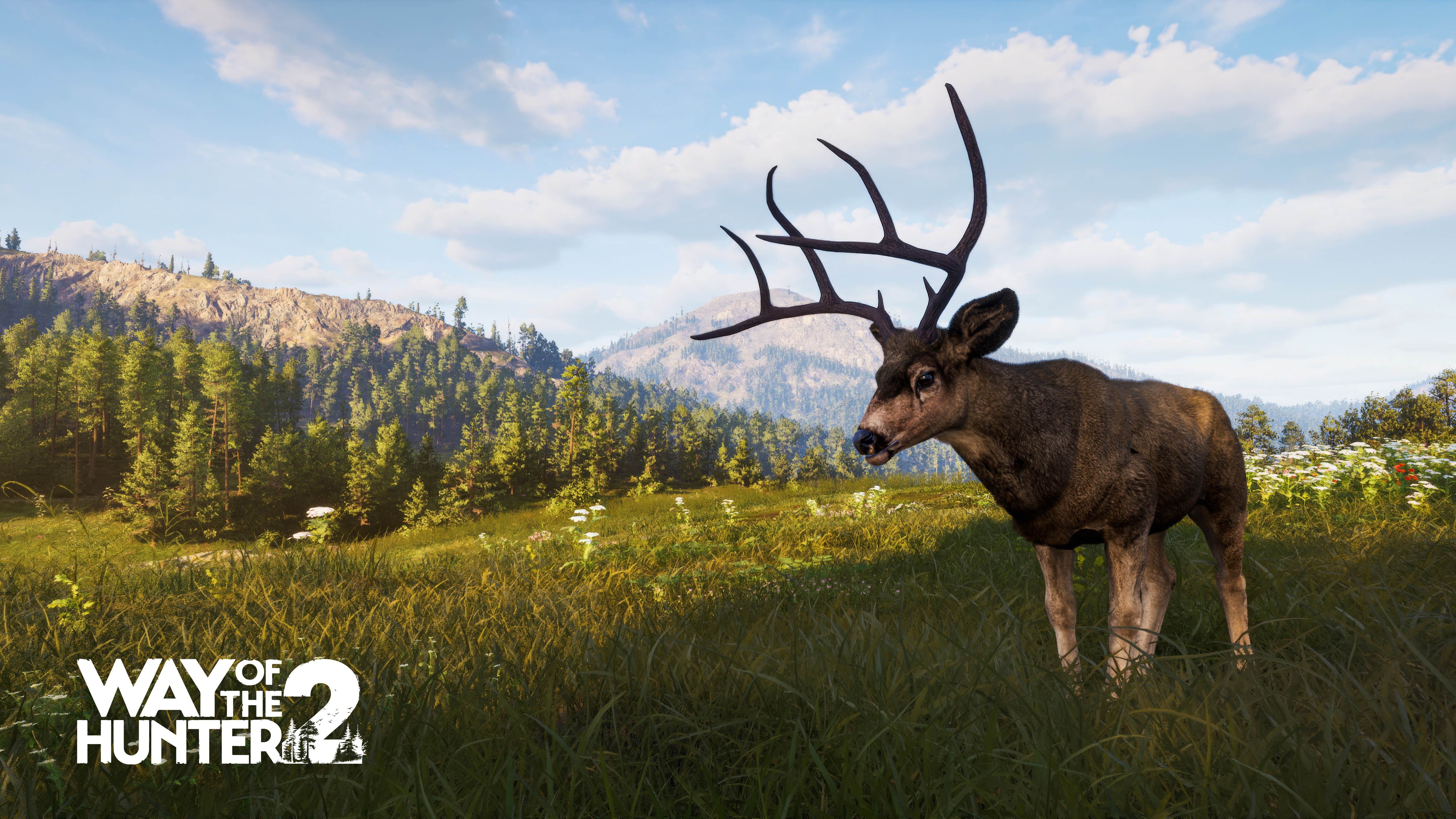
Rocky Mountain mule deer (Odocoileus Hemionus Hemionus)
Rocky Mountain elk (CervusCanadensisNelsoni)
White-tailed deer (Odocoileus Virginianus Borealis)
Wood bison (Bison Bison Athabascae)
For Best Performance, Update Your Drivers
We strongly recommend updating your GPU and CPU drivers before playing. The game runs on Unreal Engine 5, which receives frequent updates and performs best with up-to-date drivers. Updating drivers can significantly reduce crashes and FPS drops. That said, we're still working on the optimisation and performance refinements.
If you encounter a crash, please report it to us. Please note that in some cases, crashes may result in partial progress loss. For example, crashing during a mission objective may reset that mission’s progress.
You may also encounter minor environmental issues, such as:
Getting stuck on rough bridges, stumps, or small trees.
Fast travel can be used as a temporary workaround.
Overall performance is still being optimised, please keep this in mind during your playthrough. If you encounter any issues, we appreciate your feedback as we continue refining the experience.
Known Issues
This demo is a work in progress and includes only a portion of the full game experience. Way of the Hunter 2 is being developed and refined daily. Areas still under active development include:
In some situations, animals may behave unexpectedly. For example, they can become disoriented and swim in circles or move unnaturally in lakes.
Animal Senses – Animal sight, hearing, and smell are still being refined and will be further balanced across difficulty levels.
Animal life cycle per difficulty - on higher difficulties, animals follow their daily cycles with less reliability. Its current effects are subtle and will undergo further balancing.
Additional language support (currently English only).
PS5 controller support is not yet implemented for the PC version.
Player and dog names – Custom names entered at the start of the game may not display correctly in certain parts of the UI and dialogue interfaces.
Dog in the tutorial – In the moose tutorial sequence, the dog may appear inside the moose model. This is a known visual bug.
In the tutorial, the turkey’s head may display rendering issues in the trophy screen (claim screen).
Shadow Rendering on lower settings – on medium graphics settings, shadowed areas may appear overly glossy or unnaturally shiny.
The Hunter Assist feature does not currently highlight animal organs, although the tutorial references this functionality. This feature is not yet implemented in the demo.
Some voice-over lines are not yet implemented. In these cases, only subtitles will be displayed.
Performance Optimisation – The game is still being optimised. Players may experience FPS drops or performance dips, particularly in dense forest areas, near water, while driving vehicles, or during longer play sessions. Stability and hardware optimisation are actively being improved.
How to Submit Bugs & Problems:
If you encounter any issues, please report them via THQN Redmine using THIS LINK.
When reporting an issue, please include:
Issue description – a clear summary of the problem (e.g. “Mule deer freezes in place after being shot”)*.
Reproduction steps – what led to the issue.
Reproduction rate – once, or every time, or a verbal description of how often it happens.
Attachments – screenshots, videos, saved file if needed.
Location details – include a screenshot of the hunting map if the problem is location-specific
Clear and detailed reports help us enormously. Thank you for taking the time to document the issues.
How to access your save file (in case you run into blockers or critical issues):
Press Windows + R
Paste the following path: %LocalAppData%\WOTH2\Saved\SaveGames > press Enter
Copy the file SaveData.sav
Paste it to a safe, accessible location (e.g. desktop)
Attach the save file via Redmine.
Thank you, enjoy the demo, and happy hunting!
Follow us on socials and join our official Discord to stay up to date with new updates: