
Today's update marks the beginning of something a little different for Way of the Hunter 2. Update #3 will arrive in multiple stages, allowing us to gradually introduce new features, gather feedback, and iterate quickly based on your experiences.
Multiplayer Starts Today
The first stage launches today and gives everyone a taste of what's to come.
We are opening the first version of multiplayer testing to all players. Multiplayer is still in an experimental phase, so you'll need to opt into the Experimental Branch on Steam to access it.
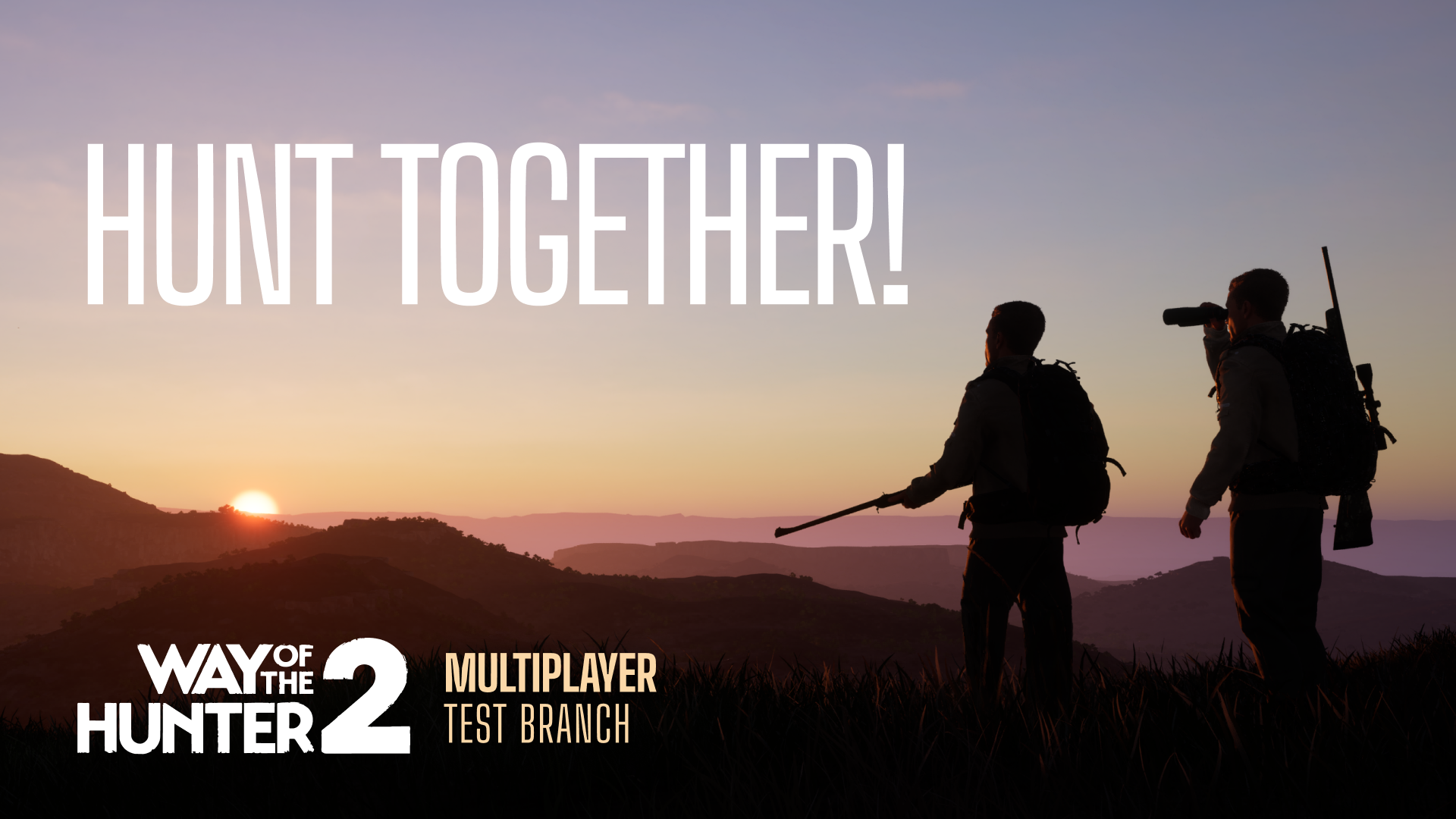
You will be able to team up in parties of two and explore reserves together. This initial release is kept deliberately simple, with a focus on establishing a stable foundation that we will continue to build upon throughout Early Access.
At this stage, we're focusing on testing network settings, improving stability, and collecting your feedback. This staged rollout allows us to develop the multiplayer experience in a more controlled environment, where we can rapidly identify issues, deploy fixes, and fine-tune the experience as we go.
Once multiplayer reaches the level of stability we're aiming for, we'll bring a simple two-player multiplayer mode to the default branch so everyone can enjoy it.
With that, Update #3 officially begins its journey on the Experimental Branch.
Before you opt in, please back up your save!
Unfortunately, progress made on the Experimental Branch is not backwards compatible with the default branch. Please read this carefully:
You can copy your save from the main branch into the Experimental Branch and pick up right where you left off on the new update.
You cannot go the other way. A save that has been played on the Experimental Branch should not be copied back to the main branch, as it may corrupt your main progress.
Because of this, always keep a separate backup of your main save before switching.
To back up your save:
Press Windows + R
Paste: %localappdata%/WOTH2/Saved
Press Enter
Copy your save file to a safe location, like your desktop
You're welcome to copy your main branch save into the Experimental Branch to start with your current progress, but always keep the original backup untouched.
How to opt into the Experimental Branch:
Open your Steam Library, right-click Way of the Hunter 2 and select Properties
Go to the Betas tab
Enter this code: WotH2experimental
Click Check Code
Select Experimental from the dropdown
Download and install
To return to the normal game at any time, go back to the Betas tab and select None from the dropdown.
Finding someone to play with
Already have a hunting buddy? Great, you can both opt into the Experimental branch and play together. If you’re looking for someone to team up with, please head to the #looking-for-game channel on our official Discord, where you can find other players for WotH2’s multiplayer.
Sharing feedback and reporting bugs
Your feedback during this alpha is what shapes the final experience, so please keep it coming. All bug reports and feedback should go through our THQN Redmine bug database - details on how to report a bug can be found here.
We've also prepared a known issues list covering things we're already actively working on, so there's no need to report those. Please check it below before filing a report, if possible.
When you file a report, please include the exact version of the game you're playing. You can find it in the bottom-right corner of the screen once the game version is enabled in the menu settings. Since the Experimental Branch updates often, knowing your exact version helps us match reports to the right build and fix things faster.
What Comes Next?
We will be releasing detailed patch notes for Update #3 alongside the update, so you can see everything that's changed.
Over the coming days and weeks, we'll continue releasing patches and updates that expand the game even further. We will release the multiplayer to the default branch once we’re happy with it, so everyone can jump in. You can read more about our plans in the recent roadmap we released.
New multiplayer features and game modes are planned for future updates, too. With the core multiplayer experience established and stable, upcoming additions will be introduced directly to the default branch, allowing everyone to enjoy new content as soon as it's ready.
Updated Known Issues (Experimental Branch)
If something you encountered is already listed here, there's no need to report it again. Before reporting in Discord, please check this list first. We recommend using Ctrl+F to search through it quickly. The full list of known issues is also pinned in the dedicated Discord server.
Connecting & loading
Joining a session can get stuck at 0% or 100% loading, especially after clicking Join Server several times
If the host ends the session while you're joining, you may get stuck on an infinite loading screen
Spamming the OK button while creating a session can cause the session to not appear for other players
The client may be disconnected from the game after recalling the dog for the first time
The client may desync from the host during a session
Performance
Clients may experience very low FPS inside multiplayer sessions
Saves, taxidermy & missions
Starting a multiplayer session may permanently delete taxidermies you made in single-player
Taxidermies made in a multiplayer session will not transfer back to singleplayer
The host can see, track and complete their single-player missions while in a multiplayer session
Gear & inventory
You may be missing gear equipped in a weapon's third slot after leaving a multiplayer session
Your inventory may be removed after fast-travelling from underwater
Gear can appear invisible and be unusable after selecting it for the first time
Item thumbnails may disappear from the radial menu
The host may not see all available items in their inventory
Vehicles
Clients cannot see players inside a vehicle, and inputs may be blocked
Exiting the host's vehicle as a client while they drive slowly may cause you to fall under the map
The host may appear seated after leaving their vehicle
Parking sign interaction may not be visible or responsive to the client
Animals & dog
Male Mule deer may appear with no antlers for the client
The client's dog may walk home on its own
Movement, world & teleporting
As a client, building a tent, then fast travelling to the lodge and back to the tent, may teleport your character to invalid coordinates
Climbing up and down a hunting stand repeatedly as a client may cause the transition screen to get stuck
Clients may be unable to open doors
Trees may have no collision for clients, letting you clip through them, especially when you are around 75m or more away from the host
Photo mode, markers & UI
The host is able to move while in the client's opened Photo mode
Player tags and markers may sometimes not be visible to everyone
Some mission flow issues may occur in Quick Play sessions
Thank you for helping us shape Way of the Hunter 2. Your feedback continues to play an important role in improving the game, and we're excited to take the next steps on this journey together.
Good hunting!
Follow us on socials, and join our official Discord to stay up to date with new updates:




Play Way of the Hunter 2 in Early Access on Steam (PC). Pre-order on PlayStation Store. Pre-order on Microsoft Store.
Pre-Order links for consoles:
More info:


